

Mobile App Development Cost in India: MVP, Startup App and Enterprise
By Webinfix Technologies Team · · Updated · 7 min read
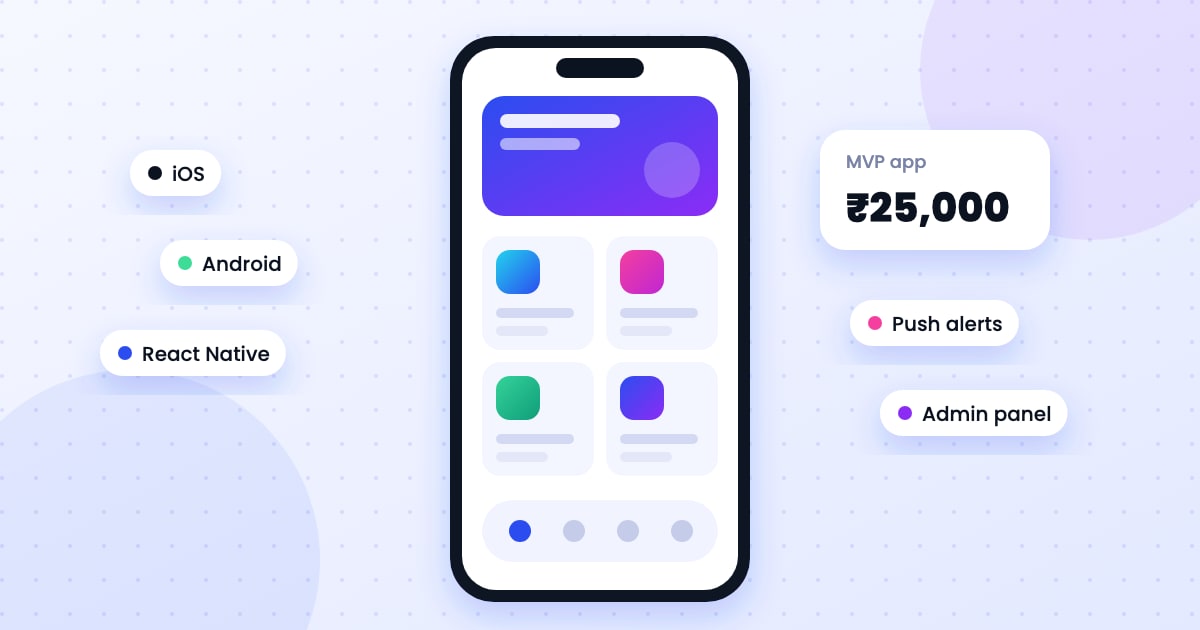
Building a mobile app in India typically costs from ₹25,000 for a lean MVP to ₹1,00,000 or more for a complex, scale-ready app. The biggest drivers are the number of screens, the backend you need, and whether you build for one platform or both.
This guide breaks down the three realistic tiers, explains what actually moves the price, and shows how to plan the budget beyond launch so the number on the quote is not the only number you worry about.
Three realistic tiers
At Webinfix Technologies our starting prices look like this. The final quote depends on your scope.
| Tier | Starting price | What it usually covers |
|---|---|---|
| MVP app | ₹25,000 | React Native for iOS and Android, 3 to 5 core screens, basic login, API integration |
| Startup app | ₹55,000 | 10 to 15 screens, push notifications, offline mode, payment gateway, admin panel, store submission |
| Enterprise app | ₹1,00,000+ | Unlimited screens, custom native modules, real-time features, analytics, CI/CD pipeline |
Other agencies will quote differently, and a number alone does not tell you much. Always compare the list of screens and features that sits behind it.
What is an MVP, and why start there?
An MVP (minimum viable product) is the smallest version of your app that solves one real problem. It lets you test the idea with real users before you invest in every feature. Most founders who skip this step end up paying to rebuild screens nobody uses.
A good MVP is not a cheap, broken app. It is a focused app that does one job well. For example, a food ordering MVP might only cover browsing, ordering and order status, and leave loyalty points, coupons and reviews for later.
How an app project usually runs
Knowing the stages helps you understand where the effort, and the cost, goes.
- Discovery. You and the team agree on users, goals and the list of core features. This is where scope is fixed.
- Design. Screens and flows are drawn so you can see the app before it is built. Changes are cheapest here.
- Development. The app and its backend are built in steps, with regular builds you can try.
- Testing. The app is checked on real devices and different screen sizes, and bugs are fixed.
- Launch. The app is submitted to the Play Store and App Store, and you go through their review.
- Support and updates. Fixes, new Android and iOS versions, and the next set of features.
Changing the plan during development costs more than changing it in discovery, so spend the time to decide early.
React Native vs. separate Android and iOS apps
With React Native one codebase produces both an Android and an iOS app. That usually means lower cost and faster delivery than building two separate native apps. Separate native apps make sense when you need very heavy device-specific features, such as advanced graphics or deep OS integration.
For most business, delivery, booking and marketplace apps, React Native is a sound choice.
Android first, iOS first, or both?
If you build with React Native you often get both platforms from the same work, so the question is mostly about testing and store submission rather than separate builds. If you do choose one platform first, pick the one your customers actually use. Look at who your users are and what phones they carry, not at what you personally prefer.
What else changes the cost
- Backend and database. Most apps need a server for accounts and data. This is often as much work as the screens.
- Admin panel. If your team needs to manage users, orders or content, that is an extra web dashboard.
- Payments and notifications. Each integration adds setup and testing time.
- Design. Custom UI and animations take more design time than a standard layout.
- Store submission. Publishing to the Play Store and App Store involves accounts, review and compliance work.
- Third-party services. Maps, chat, SMS or email, analytics and similar services each take integration time and may have their own running fees.
- Offline use. An app that must work without internet needs extra logic to store and sync data.
Which features push the price up the most?
Some features look small on a wireframe and are large in practice:
- Real-time features such as live chat, live tracking or live updates.
- Payments, including refunds, failed payments and receipts.
- User roles, where customers, staff and admins see different things.
- Search and filters on large data.
- Offline mode with data syncing.
If your budget is tight, keep these for version two and launch the simpler version first.
Costs after launch
An app is not finished at launch. Plan for bug fixes, OS updates, server costs and new features. Ask what support is included. Our enterprise tier, for example, includes three months of support.
Also plan for these running costs:
- Store fees. Google Play charges a one-time developer registration fee and the Apple Developer Program charges a yearly fee. Check the current amounts on their sites, as they can change.
- Server and database hosting, which grows with your users.
- Third-party services your app depends on.
- Updates whenever Android or iOS releases a major version.
Questions to ask before you hire an app developer
- Which technology will you use, and why is it right for my app?
- Can I see an app you have built, running on a real phone?
- Who owns the source code and the store accounts? It should be you.
- What is included in the quote, screen by screen, and what is not?
- How many revision rounds are included?
- What support do I get after launch, and for how long?
- How will you handle changes in scope once we start?
Common mistakes when budgeting for an app
- Building every feature at once. It raises the cost and delays learning from real users.
- Skipping the backend in the budget. Screens are only half of most apps.
- Ignoring post-launch costs. The first version is the start, not the end.
- Picking the lowest quote without checking scope. A low price with a short feature list is not the same offer.
- Letting someone else hold the store accounts. Keep the accounts and code in your name.
How to get an accurate quote
Write down: who the users are, the three most important things they must be able to do, and any apps you like for reference. With that, an agency can quote closely. You can see mobile app pricing or send us a brief. If your app also needs a website or landing page, our guide to website development cost in India explains that side of the budget.
Frequently asked questions
How much does it cost to make an app in India?
A lean MVP starts around ₹25,000, a full startup app around ₹55,000, and a complex enterprise app from ₹1,00,000 with us. The exact cost depends on features.
Is React Native good enough for a business app?
For most business apps, yes. One codebase serves both Android and iOS, which lowers cost and speeds up delivery.
How long does it take to build an MVP?
A lean MVP is typically about two weeks of build time once the scope is fixed. Larger apps take longer.
Will you publish the app to the Play Store and App Store?
Our startup tier includes Play Store and App Store submission.
Should I build an MVP or the full app first?
An MVP is usually the better first step. It tests your idea with real users at a lower cost, and you can add features based on what they actually use.
Can I add features to my MVP later?
Yes, if the app is built cleanly. Tell the team your future plans during discovery so the foundation can support them.
Do I own the app and its code?
You should. Confirm in writing that the source code, designs and store accounts are transferred to you at handover.
Do I need a backend for my app?
Most apps need one, for user accounts, data storage and notifications. A very simple app that works only on the phone may not, but this is rare for business apps.
Keep reading
 Web3
What Is an IDO Launchpad? Features, Cost and How to Build One
An IDO launchpad lets crypto projects raise funds by selling tokens to investors. Learn how it works, the features it needs, security basics and what it costs.
 Websites
Website Development Pricing in India 2026: Complete Cost Breakdown
Discover the 2026 pricing landscape for website development in India. Get a clear cost breakdown, compare options, and learn what to ask before hiring.